One Pixel Black Line on macOS
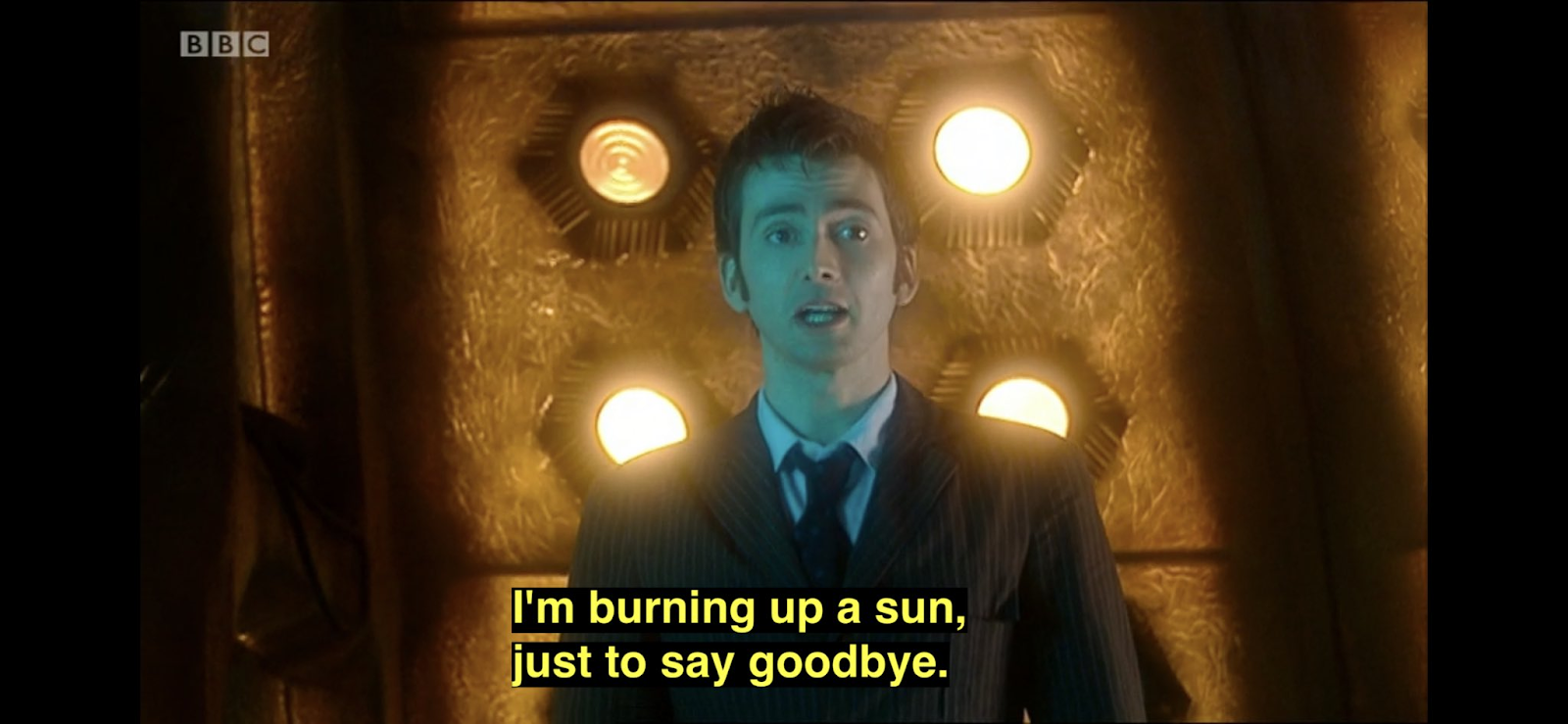
I just burned a star (using AI) trying to figure out what the one-pixel-tall black line was that appeared between the top-bar and the view below it. ChatGPT gave me a solution that completely hid the titlebar, which did solve the black line problem, but I actually wanted the titlebar to be visible. However, that reminded me that I had actually solved this problem in another application a while back. I grepped the change logs to discover my past solution.
So, if you're doing a macOS (AppKit) project, and you have this one-pixel, black line, it comes from the window titlebar separator and you'll never notice it until you try to draw something in the safe area.
#if os(macOS)
  .onAppear {
    NSApplication.shared.mainWindow?.titlebarSeparatorStyle = .none
  }
#endif
For reference, the solution ChatGPT suggested:
#if os(macOS)
  .toolbar(.hidden, for: .windowToolbar)
#endif
As I mentioned, that does technically solve the problem, but at the expense of removing the entire titlebar.